







You can hit drivers into a screen all winter, but the putter is still the club that decides the card. You can putt on a golf simulator, as long as the launch monitor reads putts and the software knows what to do with them. Here's how simulator putting works, which setups do it well, and the turf, mats and lighting that make it feel like a real green.
Quick summary
- Camera launch monitors beside the ball read a putt at impact, so they handle putts better than radar units, which sit 1.8m to 3m behind the ball and have to track the roll.
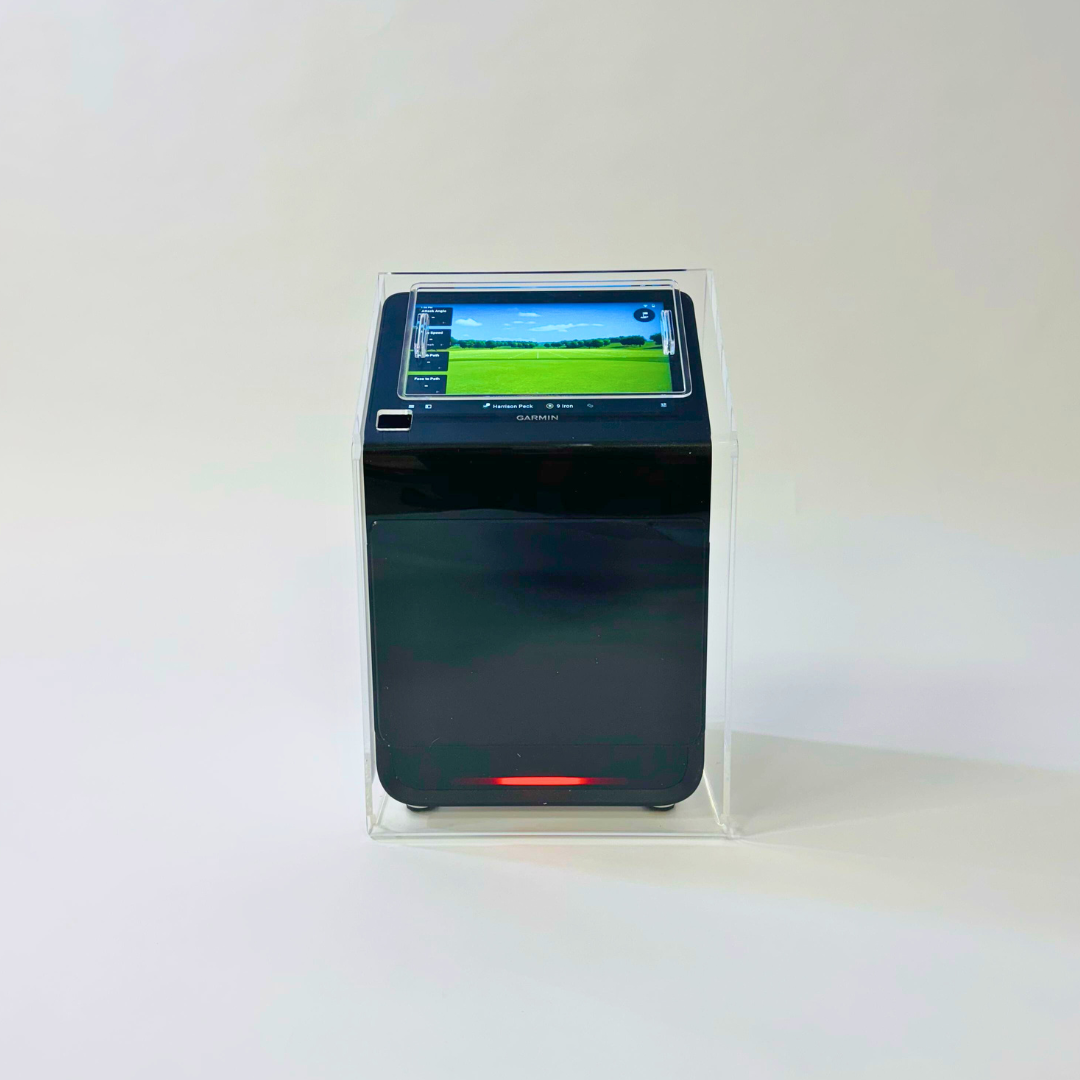
- The Square Golf launch monitor, at £689, has a putting mode with adjustable green speed and short, medium and long putts to practise.
- When the software has no live putting, it putts for you: Garmin's Home Tee Hero gives the R10 its putts based on how close the approach finished.
- GSPro sets green speed on the stimp scale, with 10 as its default, and has gimme circles and auto-putt.
- Our putting turf comes off a 4m-wide roll at £24 a square metre, so a 5m length, enough for a 3m by 4.5m bay, costs £480.
- A dedicated putting simulator, the ExPutt RG at £389, plugs into your TV and tracks 7 putting measurements without a full simulator.
Can you putt on a golf simulator?
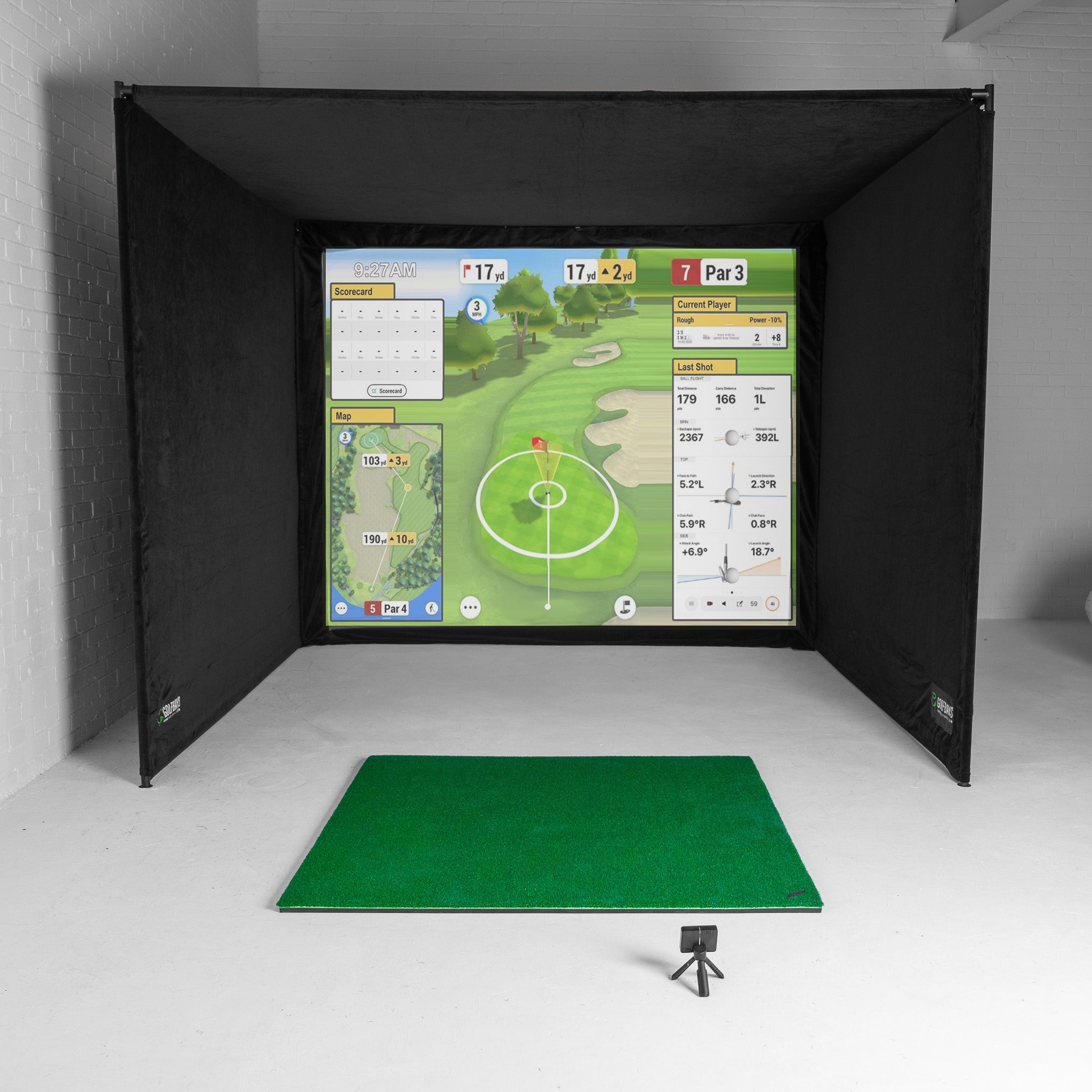
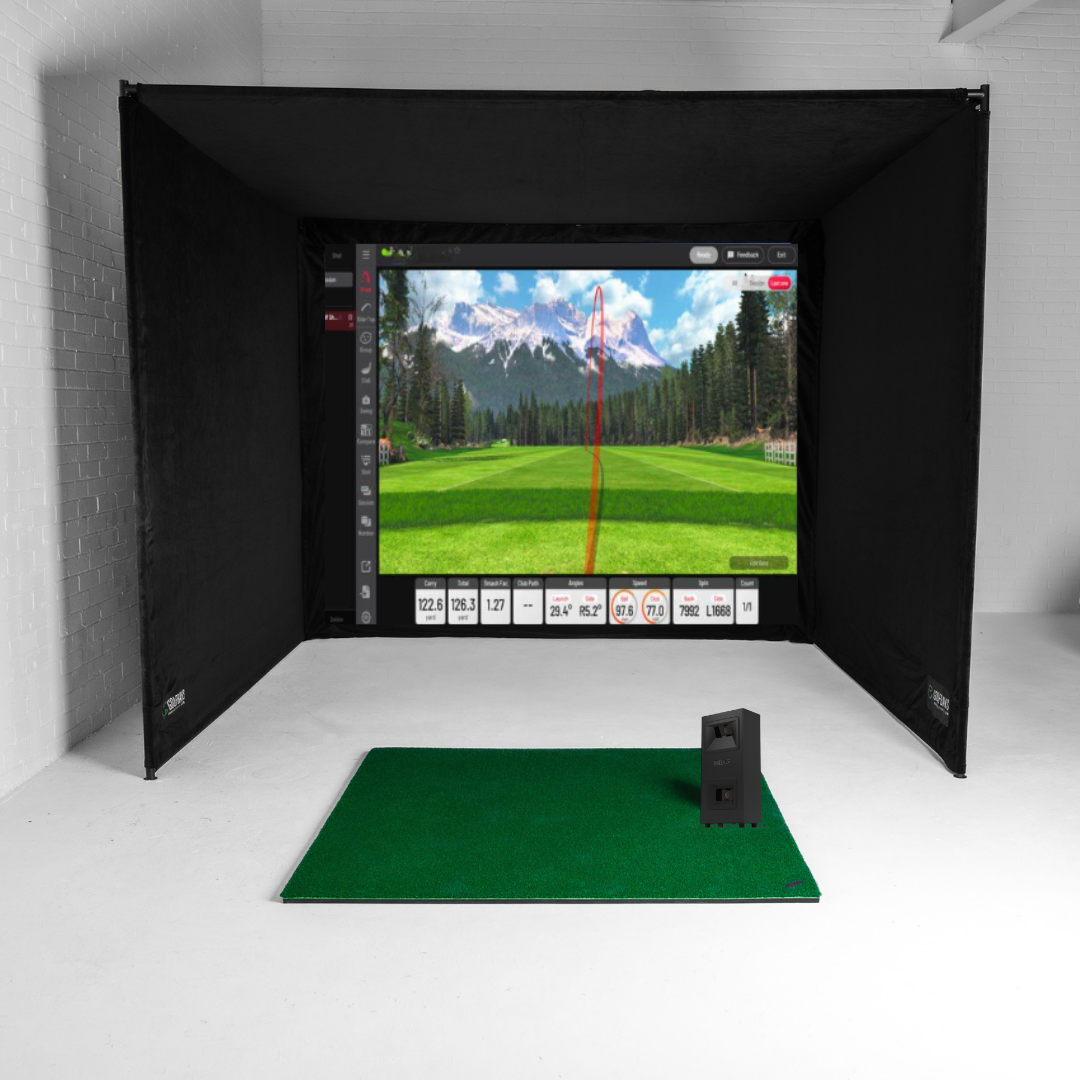
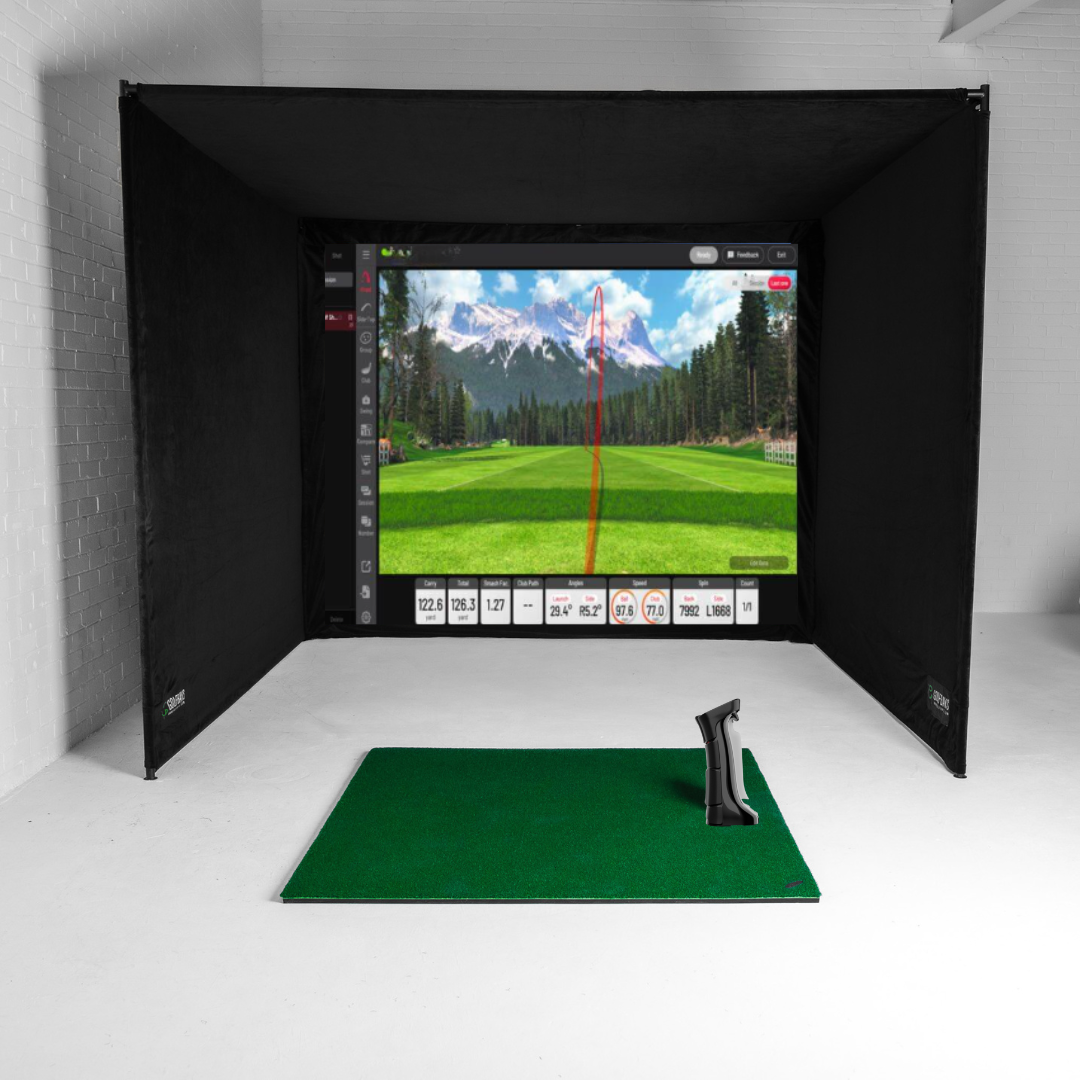
Yes, as long as your launch monitor can read a putt and your software supports putting. When both are true, you make a real stroke, the ball rolls off towards the screen, and the software plays the rest of the putt out on the virtual green, break and all.
When they aren't, the software putts for you. Either way, simulator software gives you 3 ways to finish a hole:
- Putt it out. You hit every putt and the launch monitor reads each one. The most realistic, and the slowest.
- Gimmes. Anything inside a set distance of the hole counts as holed, so you only putt the ones that matter.
- Auto-putt. The software gives you a number of putts based on where your approach finished, and you walk straight to the next tee.
You can mix them: putt out when practising, gimmes when 4 of you are playing a round on a school night.
How does putting work on a golf simulator?
It comes down to how your launch monitor reads the ball. The software only draws what the launch monitor tells it, so a putt the launch monitor can't measure is a putt the software can't show.

Camera launch monitors and putting
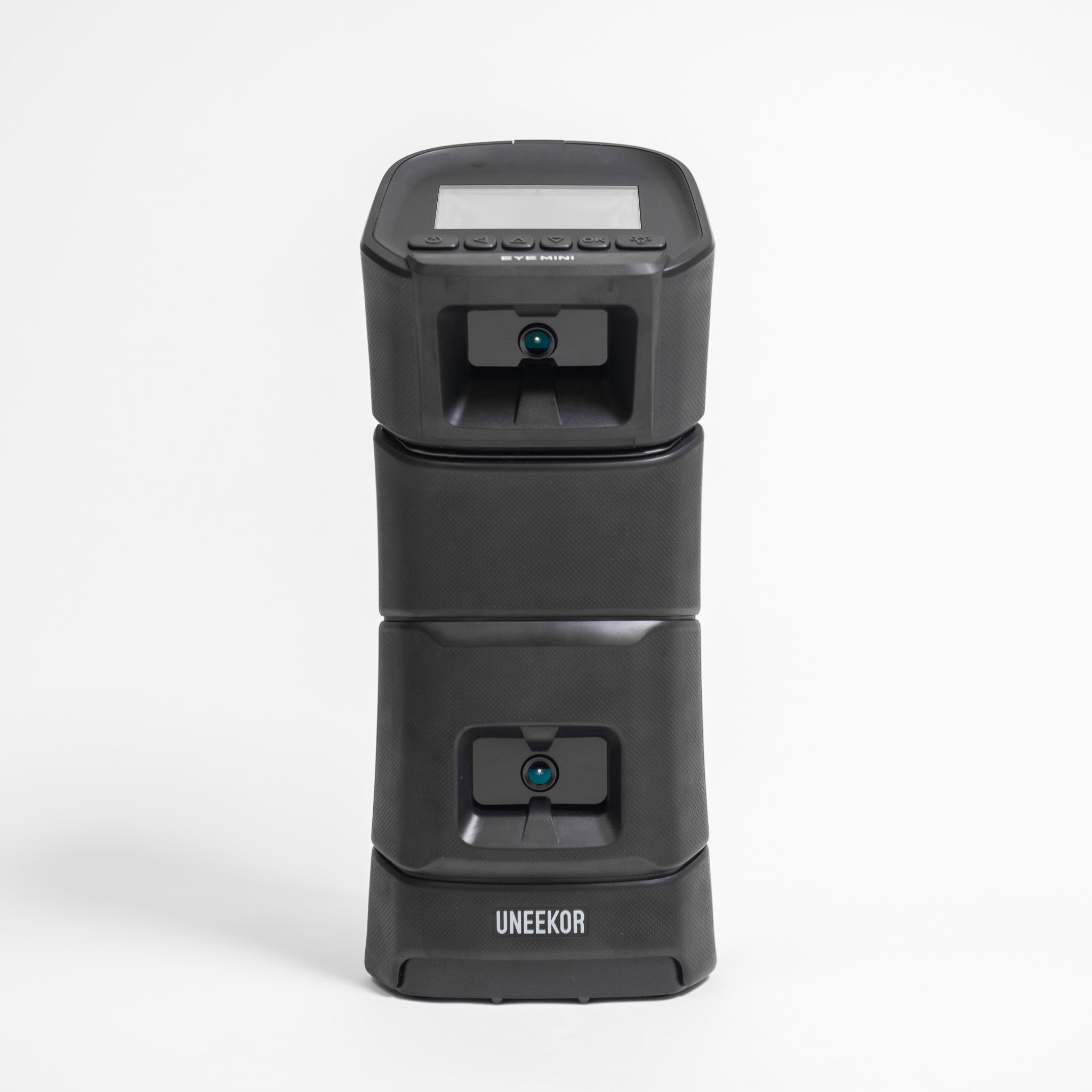
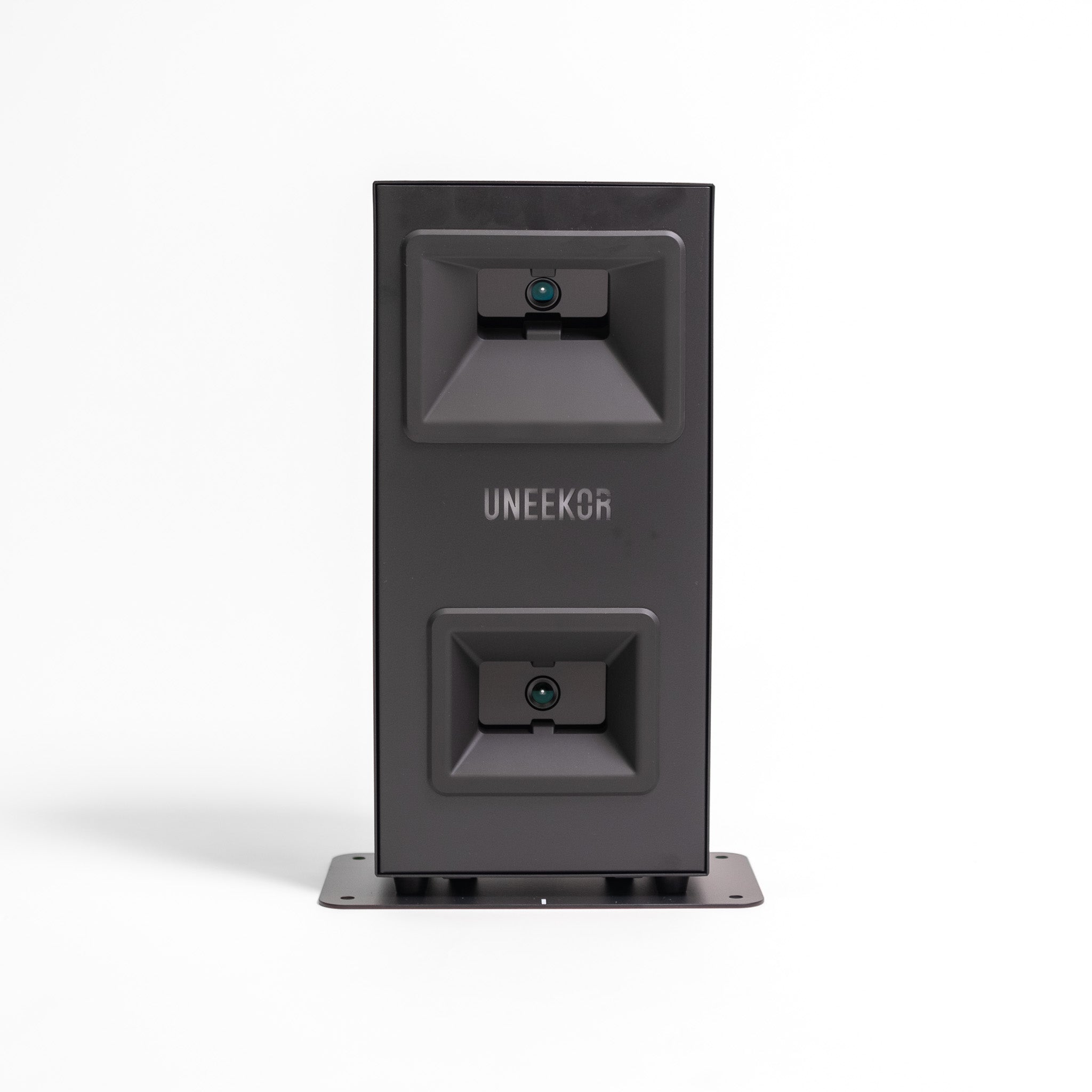
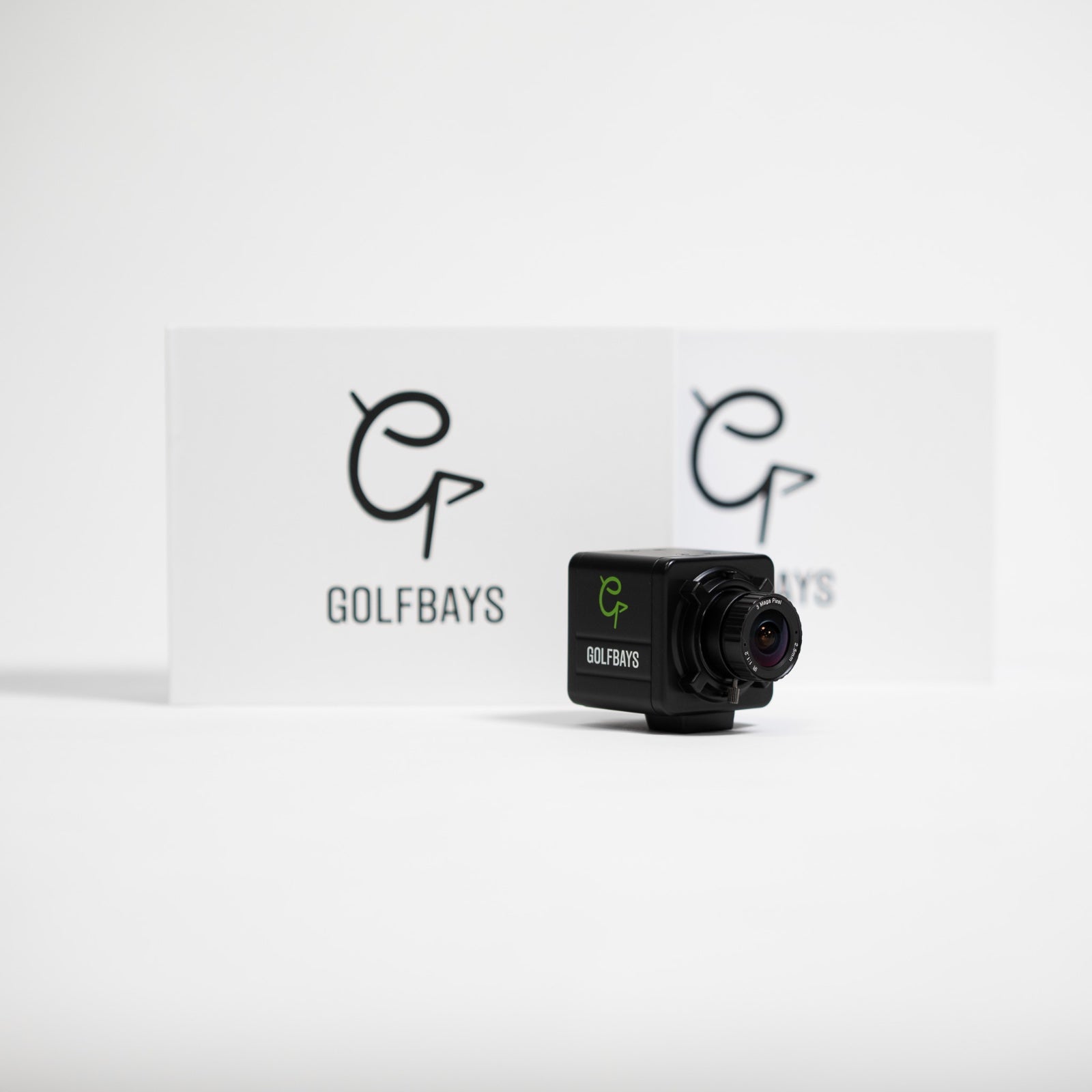
Camera units sit beside the ball, across from you, and photograph it at impact. Ball speed and direction off the face are what the software needs to roll the putt out, and a camera reads both before the ball has rolled anywhere.
That's why putting is a strength of the camera launch monitors that sit beside the ball, and why they suit smaller rooms too: they need about 4.5m of depth, against 5m for a radar unit behind you.
Radar launch monitors and putting
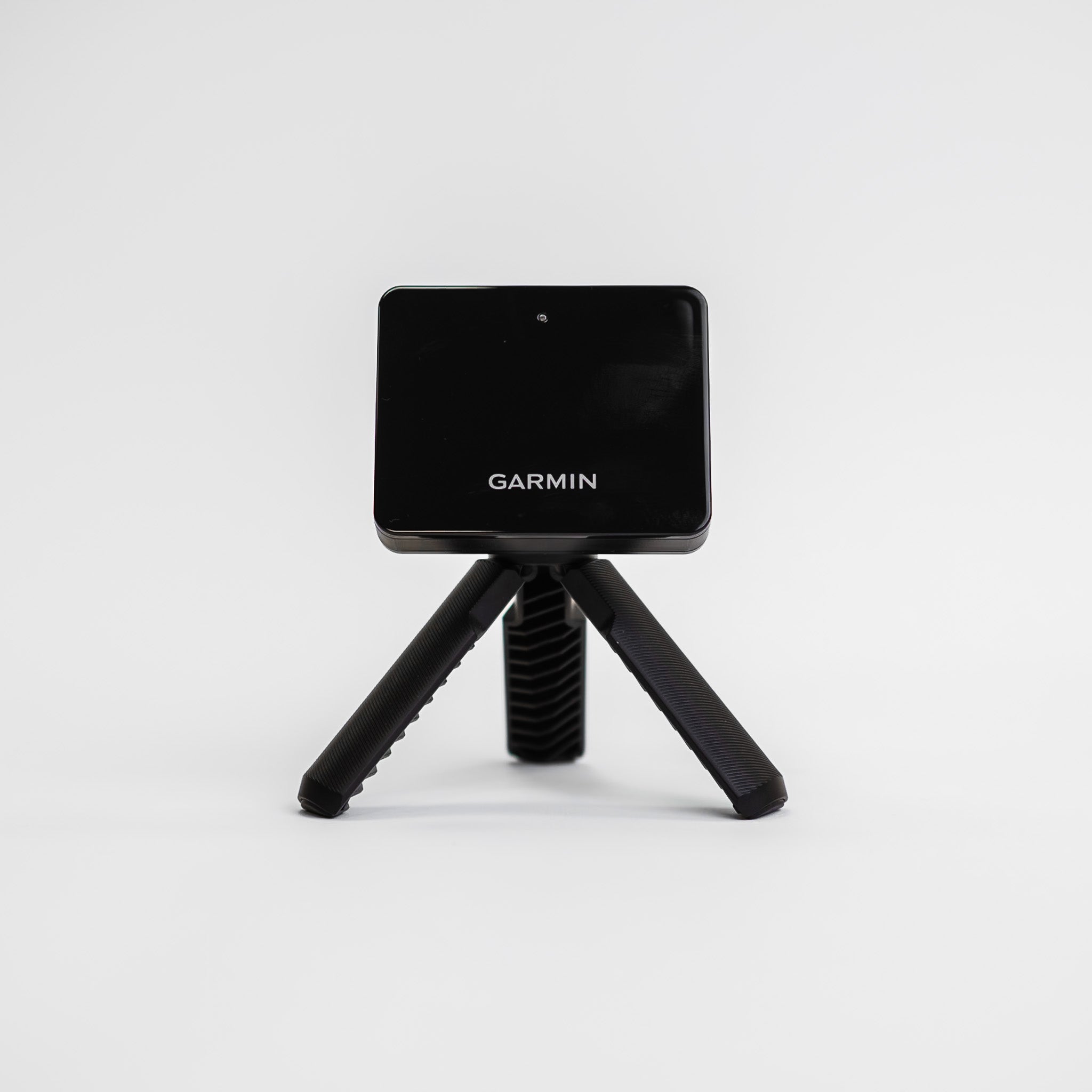
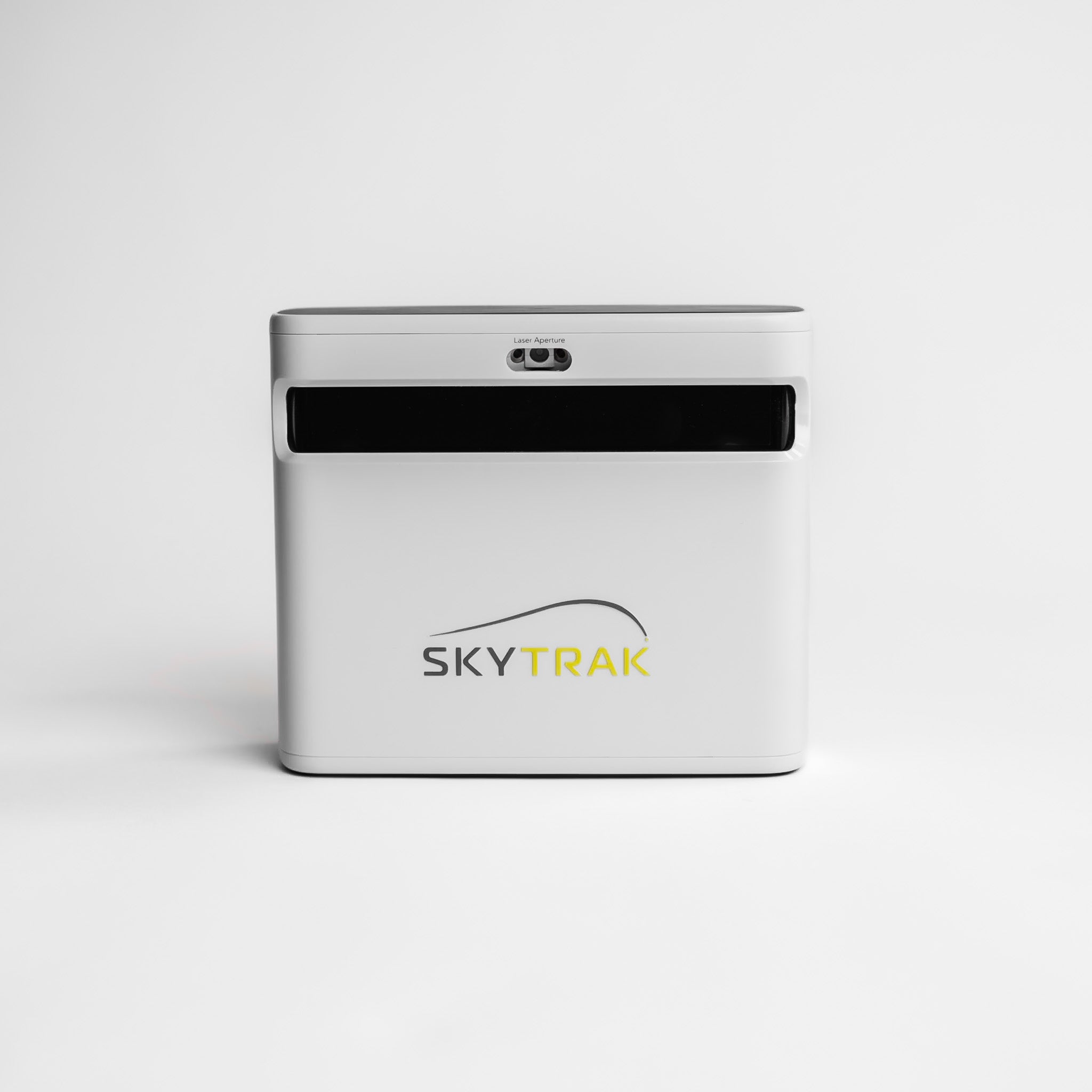
Radar units sit behind you and measure the ball as it travels away from them. For a full shot that's straightforward: the Garmin R10, for example, wants at least 2.4m of ball flight indoors. A putt is slow and stays on the ground, which gives the radar far less to work with.
So radar units tend to handle putting less well. If you're on radar, keep the roll flat and clear all the way to the screen, so the unit sees as much of each putt as it can.
| Type | Where it sits | How it reads a putt | Putting |
|---|---|---|---|
| Camera launch monitor | Beside the ball, across from you | Photographs the ball at impact | Reads putts well; the one to choose if putting matters |
| Radar launch monitor | 1.8m to 3m behind the ball | Tracks the ball as it travels | Less reliable on short, slow putts; gimmes and auto-putt fill the gap |
| Dedicated putting simulator | On a stand on its own mat | A camera tracks the ball and the putter | Putting only, in detail |
Which golf simulators allow putting?
Any simulator can finish a hole, but only one built on a launch monitor that reads putts lets you putt it out. The home golf simulators that putt well all start there, so check the launch monitor's listing for a putting mode, not just short game data.

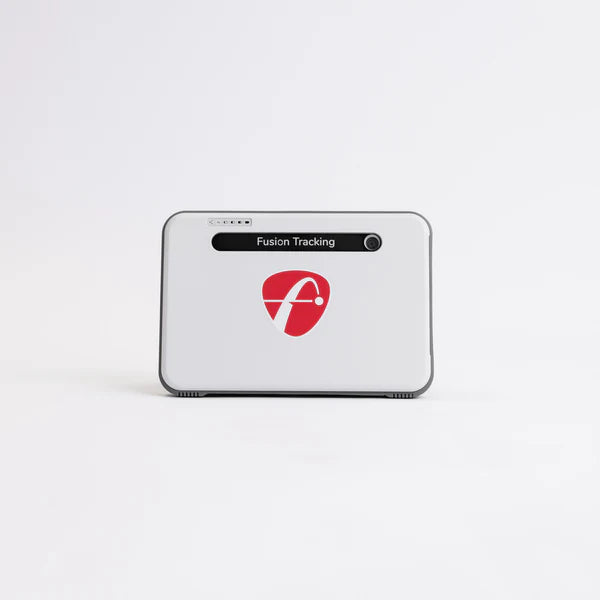
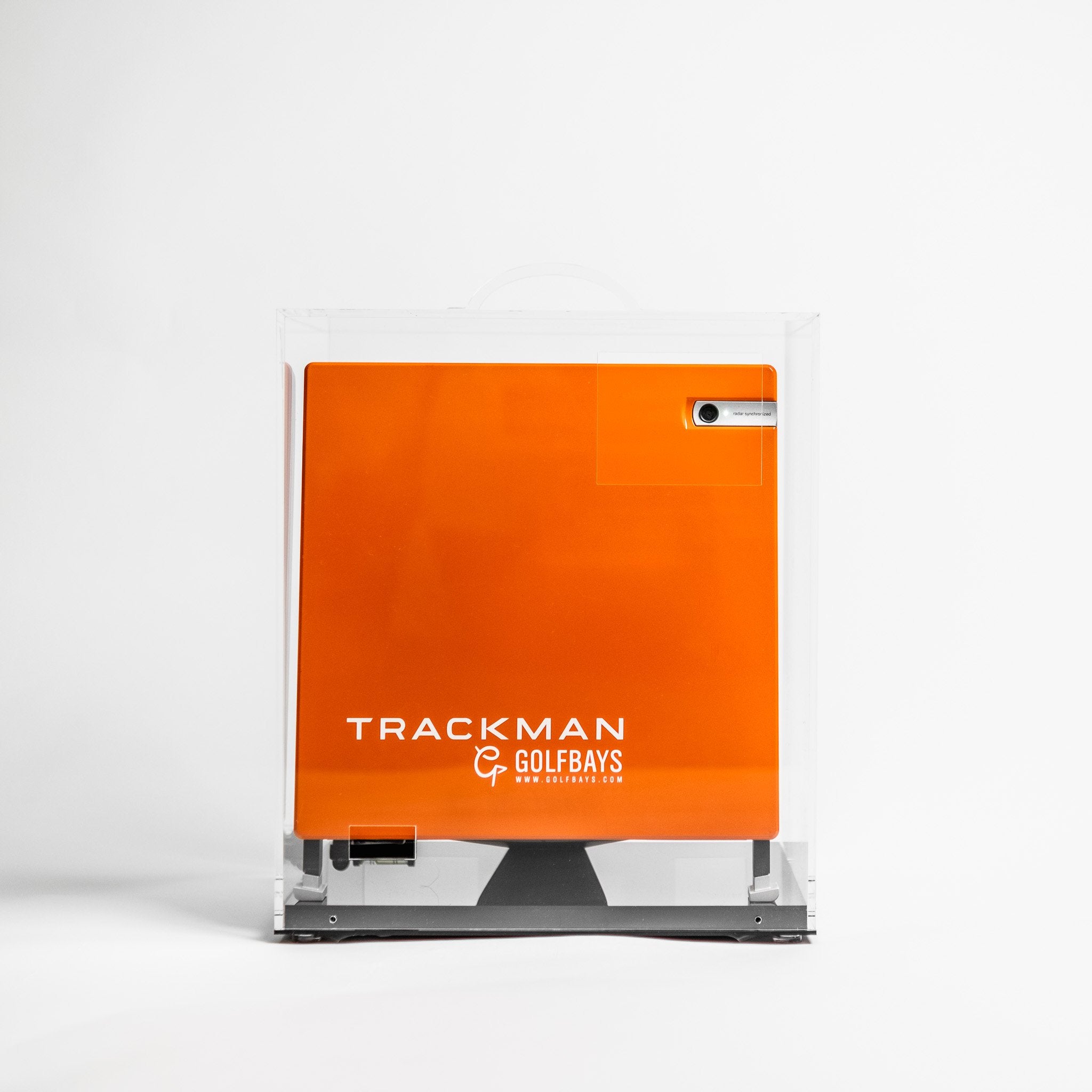
The Square Golf launch monitor is the clearest example at the budget end. Its high-speed camera sits beside the ball, and its putting practice lets you adjust the green speed and work on short, medium or long putts, with feedback on distance control, ball speed and the putt's trajectory, for £689.
The catch: it stays indoors, and a left-hander has to lift it over to their side of the mat before they putt.

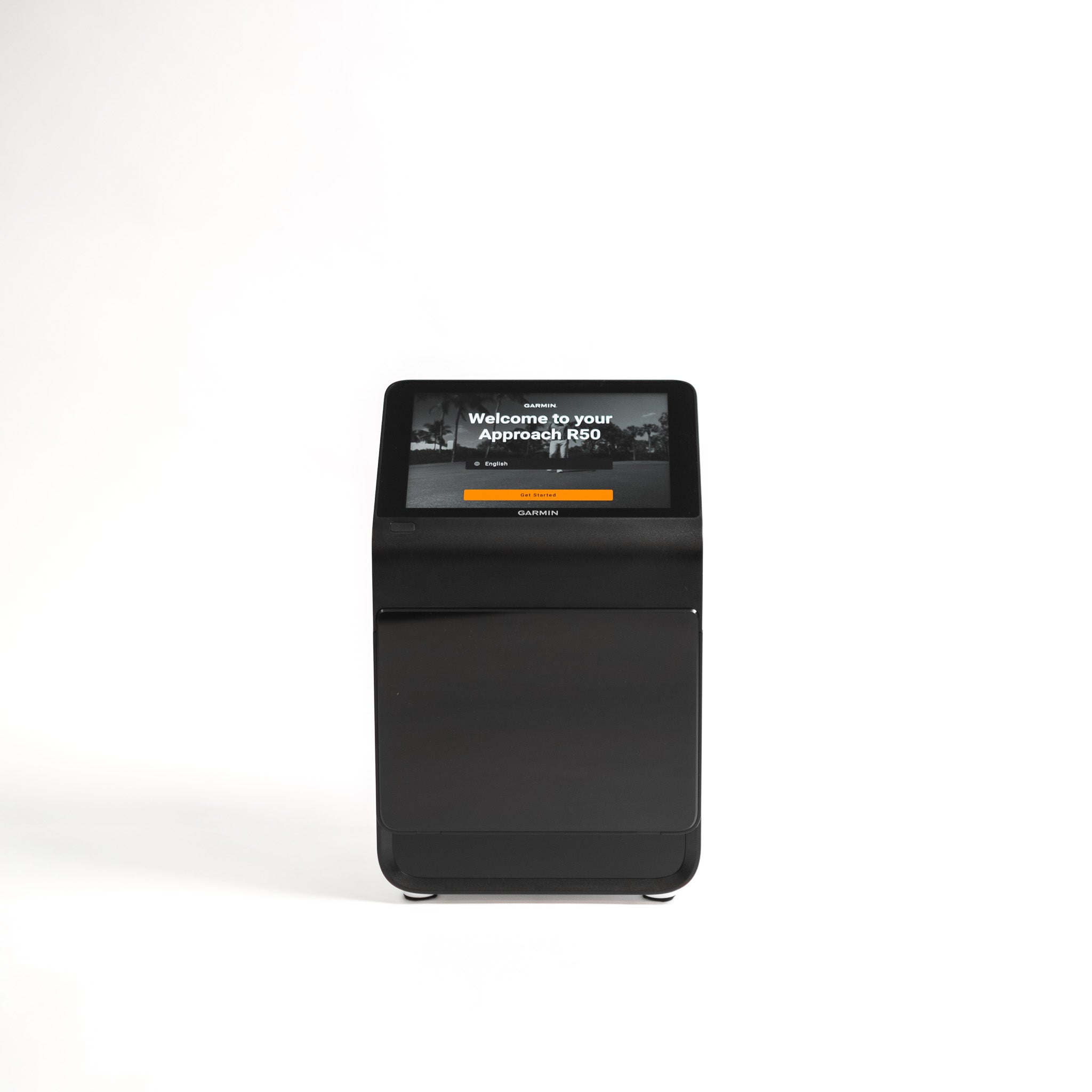
The Garmin Approach R10 is the radar example. In Garmin's own Home Tee Hero there's no live putting: it gives you your putts based on how close your approach finished, and third-party software handles putting its own way. It's £421, down from £499. The catch: you never hit a putt in Home Tee Hero, so if putting every hole matters to you, check how your simulator software handles putting before you buy.
Putting settings in golf simulator software
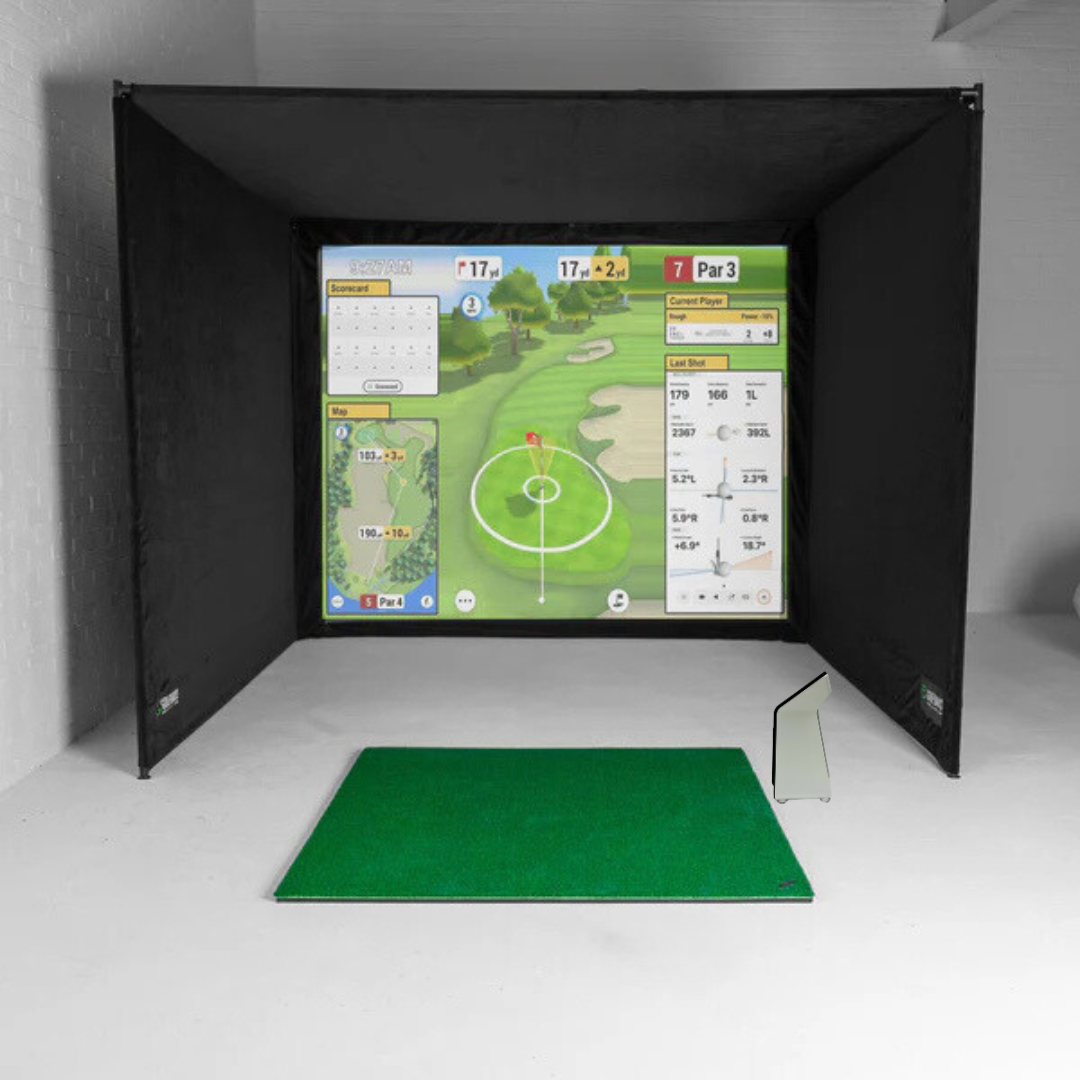
Once the launch monitor has read the putt, the software decides how the green behaves and how strict it is with you. GSPro gives you plenty to set, from gimme circles and fixed-distance auto-putt to a stimp setting that defaults to 10, a green heat map and a putting assist (GSPro).

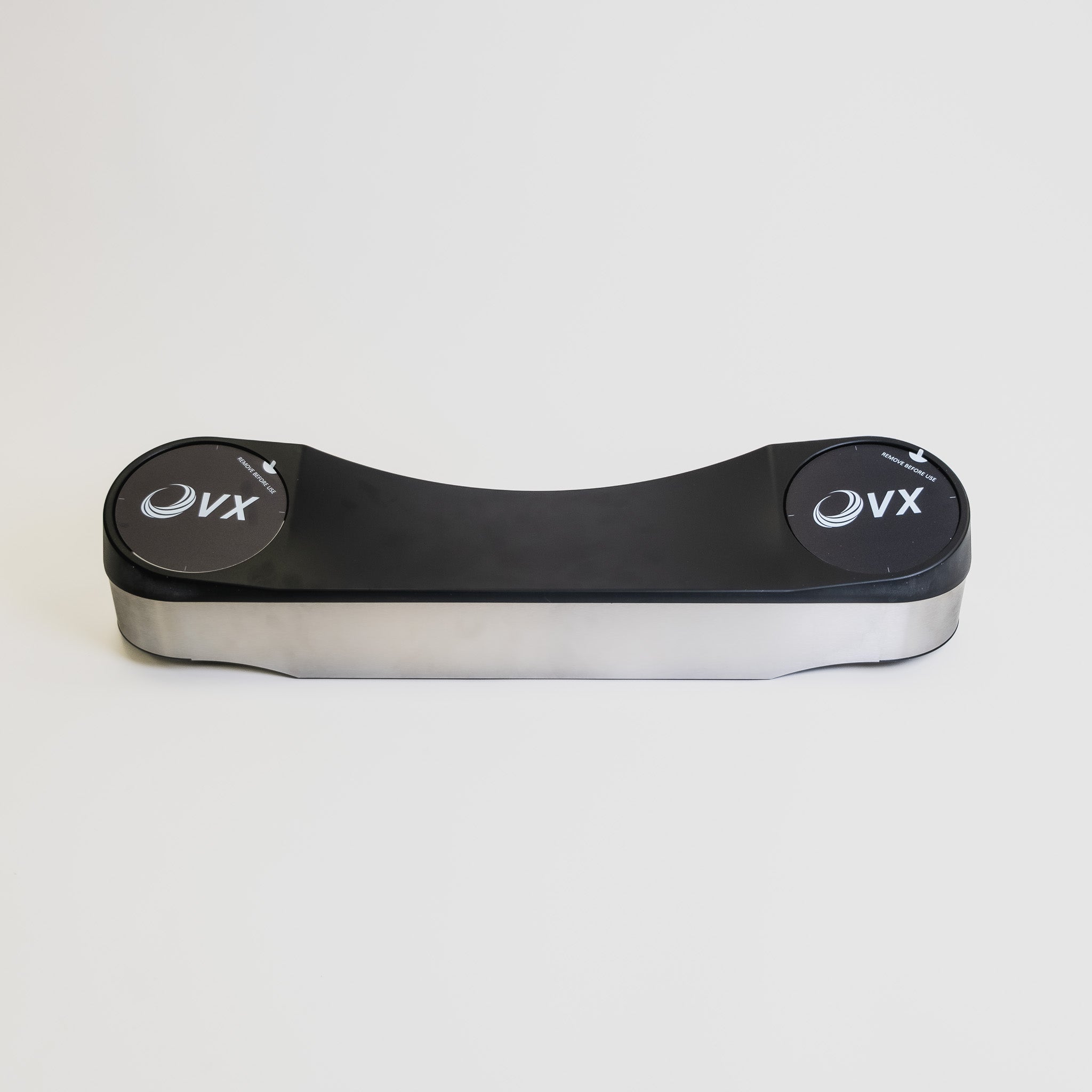
A year of GSPro is £250 at GolfBays, with a version for each supported launch monitor: Uneekor, FlightScope, Full Swing KIT, ProTee VX, and an open connection for the others.
Gimmes
A gimme counts a short putt as holed. GSPro draws a gimme circle round the hole, and anything that stops inside it is picked up. Gimmes keep a round moving; putting everything out keeps you honest.
✓ Do this
Putt out the short ones when you're practising, even inside the gimme circle, so you hole the 1m ones you'd have to hole on Sunday.
✕ Not this
Practise all winter picking up everything inside the gimme circle, then wonder why 1m putts at the club feel like 3m ones.
Auto-putt
Auto-putt skips the green and gives you a number of putts instead. It's the answer for a launch monitor that doesn't read putts, and for a round where nobody wants to watch a mate line up a 1m putt from 3 angles. In GSPro, the fixed-distance version isn't supported in Simulator Golf Tour events or online play.
Green speed
Green speed is measured on the stimp scale. A stimp reading is the average distance in feet a ball rolls on a flat part of the green after it's released from a standard ramp, the Stimpmeter, so a green running 10 rolls the ball 10 feet, about 3m (USGA).
In the software, a higher number is a faster green. GSPro defaults to 10, with stimp 6 and 7 among its slower settings, and the Square Golf lets you adjust its green speed to suit your stroke. Set it for the greens you actually play, not the ones on the telly in April.
Reading greens on screen
On a real green you read the slope with your feet as much as your eyes. In a simulator the floor is flat and the slope is drawn, so the software helps: GSPro has a green heat map on the Y key, plus putting auto aim and a putting assist.
Use them to learn how the software's greens break, then turn them off. Read the putt first, pick your line, and check the heat map afterwards, or you'll only ever putt to the arrow.
Want a bay you can putt in?
Tell us about your room and your launch monitor, and we'll plan the turf, where the mat sits and how the putting line runs to the screen. It's free.
Book a free consultationHow do you make putting on a simulator feel real?
A simulator putts best on a surface that rolls like a green, in a room where the launch monitor can see the ball. That comes down to 4 things: turf, a mat or green for serious practice, a dedicated putting simulator if putting is all you're after, and light.
Putting turf in front of the screen
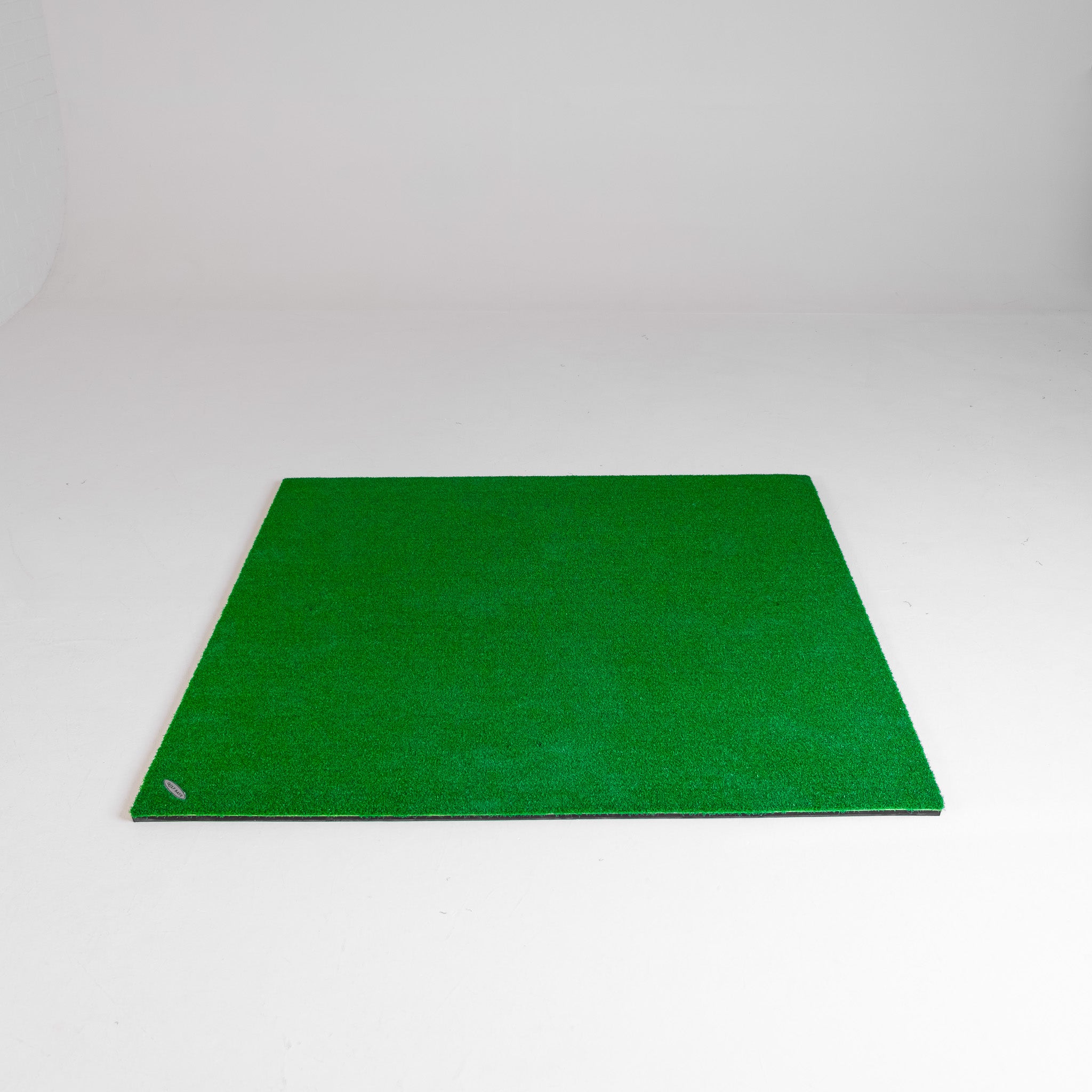
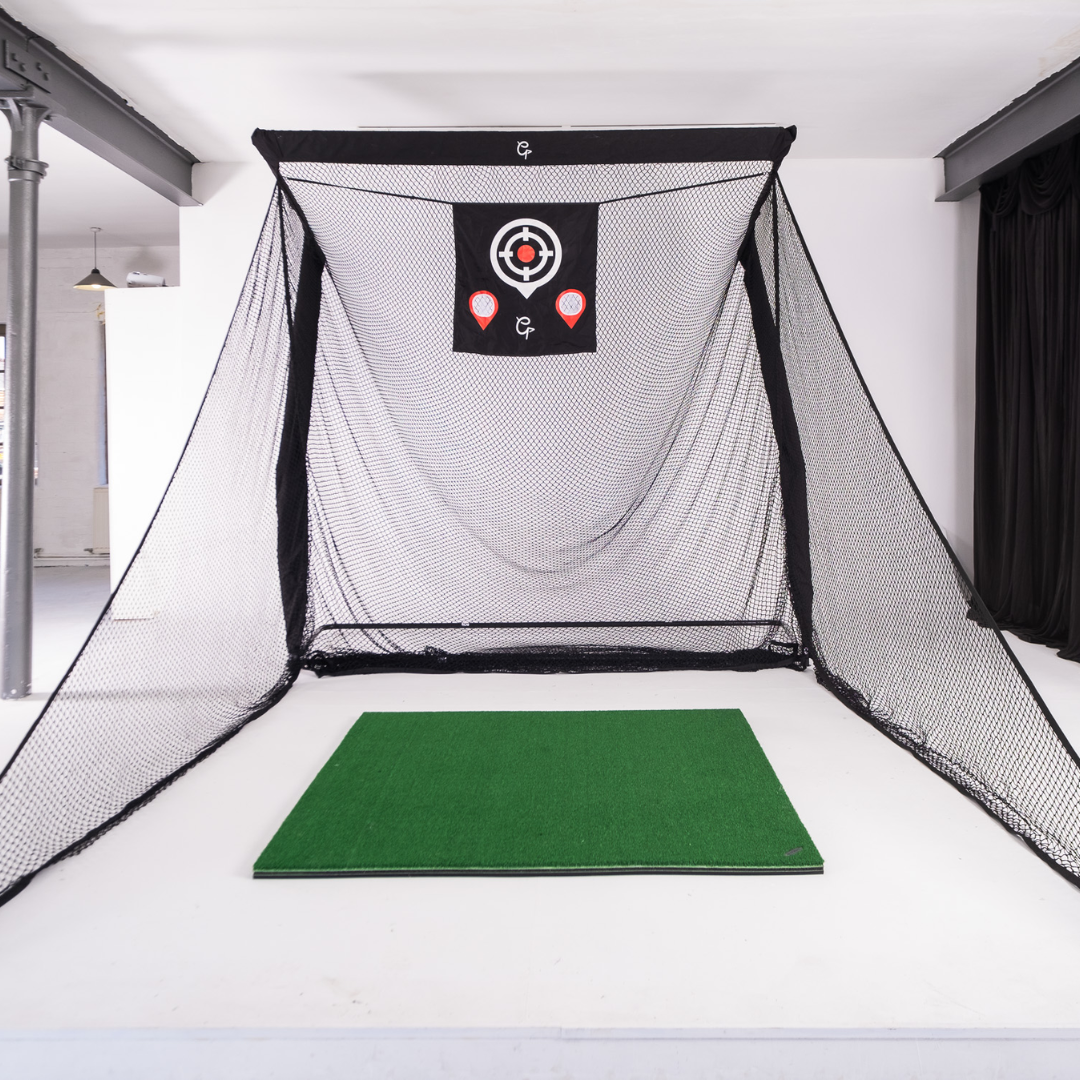
Start with turf across the bay floor, from the back wall to the screen. You get a surface made for putting, and something softer than concrete to stand on between shots.
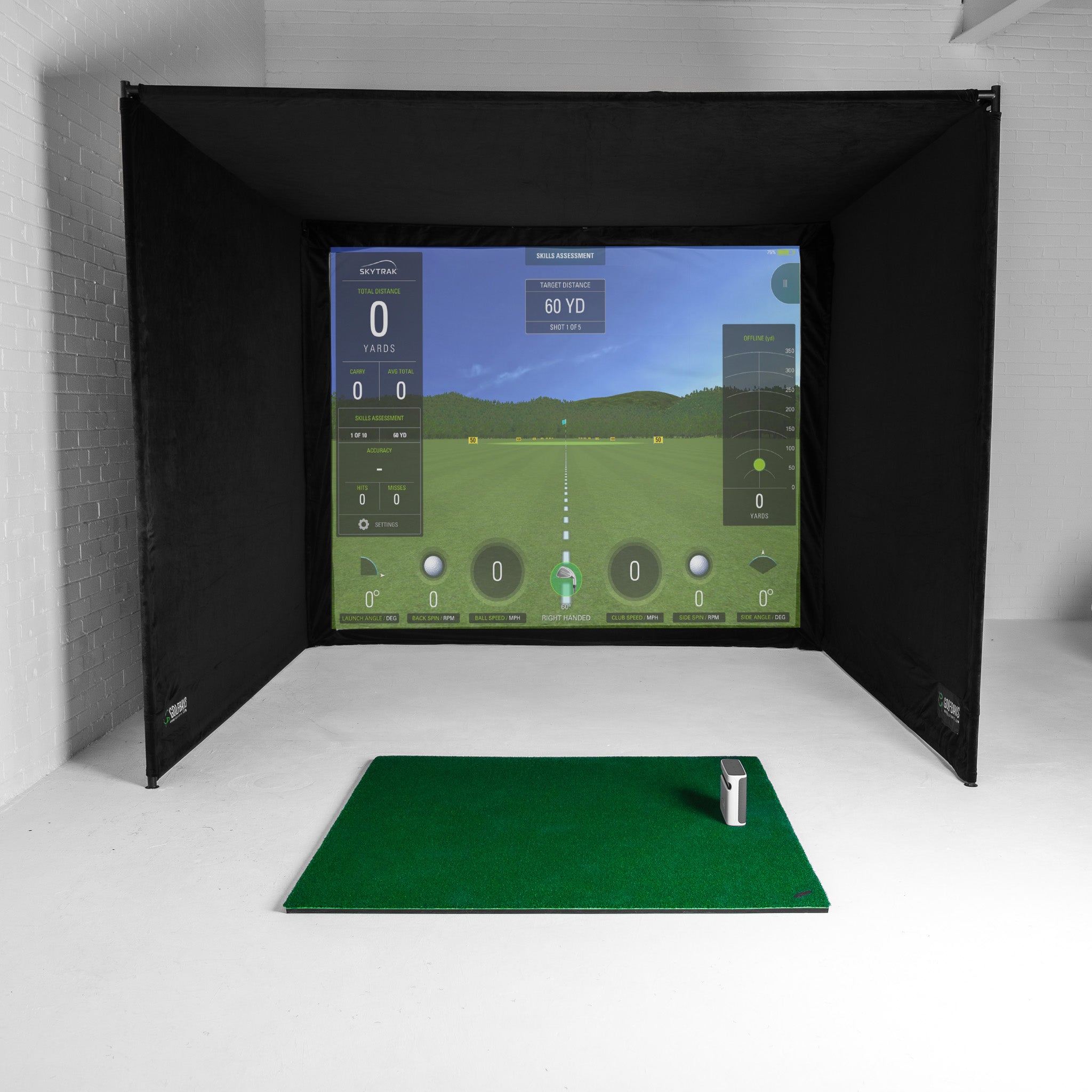
Set the hitting mat flush with the turf, so a putt rolls off the mat and on towards the screen without a bump. It costs no extra floor space either, because in a simulator room layout the putting area is the turf between the hitting mat and the screen.

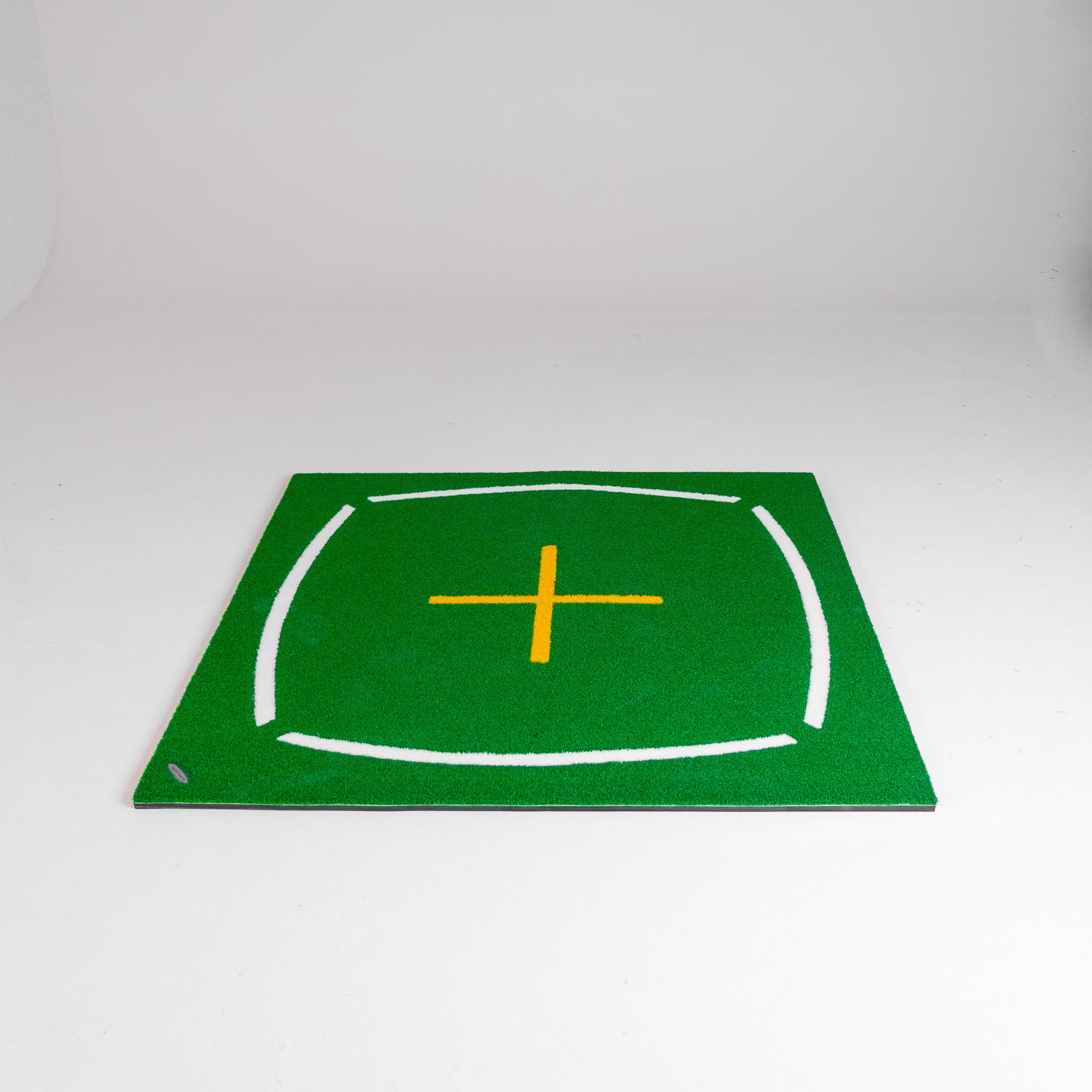
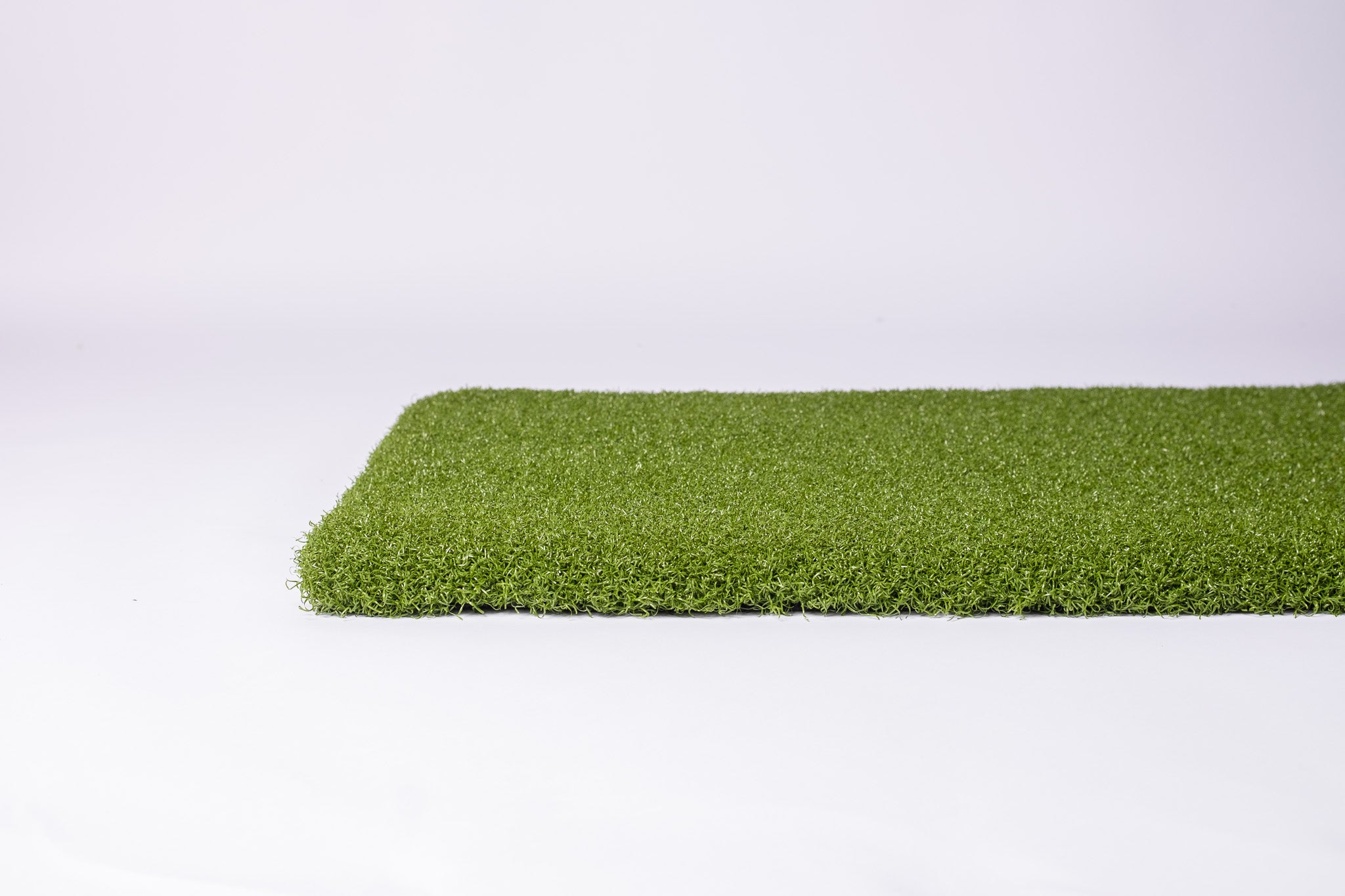
GolfBays Putting Turf has an 11mm pile and comes off a 4m-wide roll, in lengths from 1m to 20m, at £24 a square metre.

GolfBays Premium Putting Turf has a deeper 16mm pile on the same 4m-wide roll, at £36 a square metre.
| Length off the 4m roll | Area | Putting Turf, 11mm | Premium Putting Turf, 16mm |
|---|---|---|---|
| 1m | 4m² | £96 | £144 |
| 2m | 8m² | £192 | £288 |
| 3m | 12m² | £288 | £432 |
| 4m | 16m² | £384 | £576 |
| 5m | 20m² | £480 | £720 |
Watch out: a seam across the putting line
Our turf comes off a 4m-wide roll, so any bay up to 4m wide can be laid in one piece. Order the length to match the room's depth and trim the width, rather than covering the width and joining a strip on the end, or every putt you hit rolls over the seam.

To hole out on the turf itself, the GolfBays Shallow Putting Cup sits on any flat surface: turf, a mat or carpet. It's shallower than a real hole, so it rewards putts struck at the pace that would drop on the course. It's £14.99.
Putting mats and greens
If turf across the floor isn't an option, or you want targets and breaks to practise on, a mat or a green does the job and rolls up or packs away afterwards.

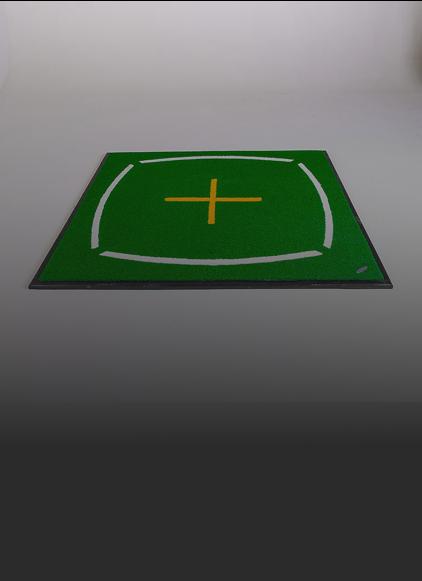
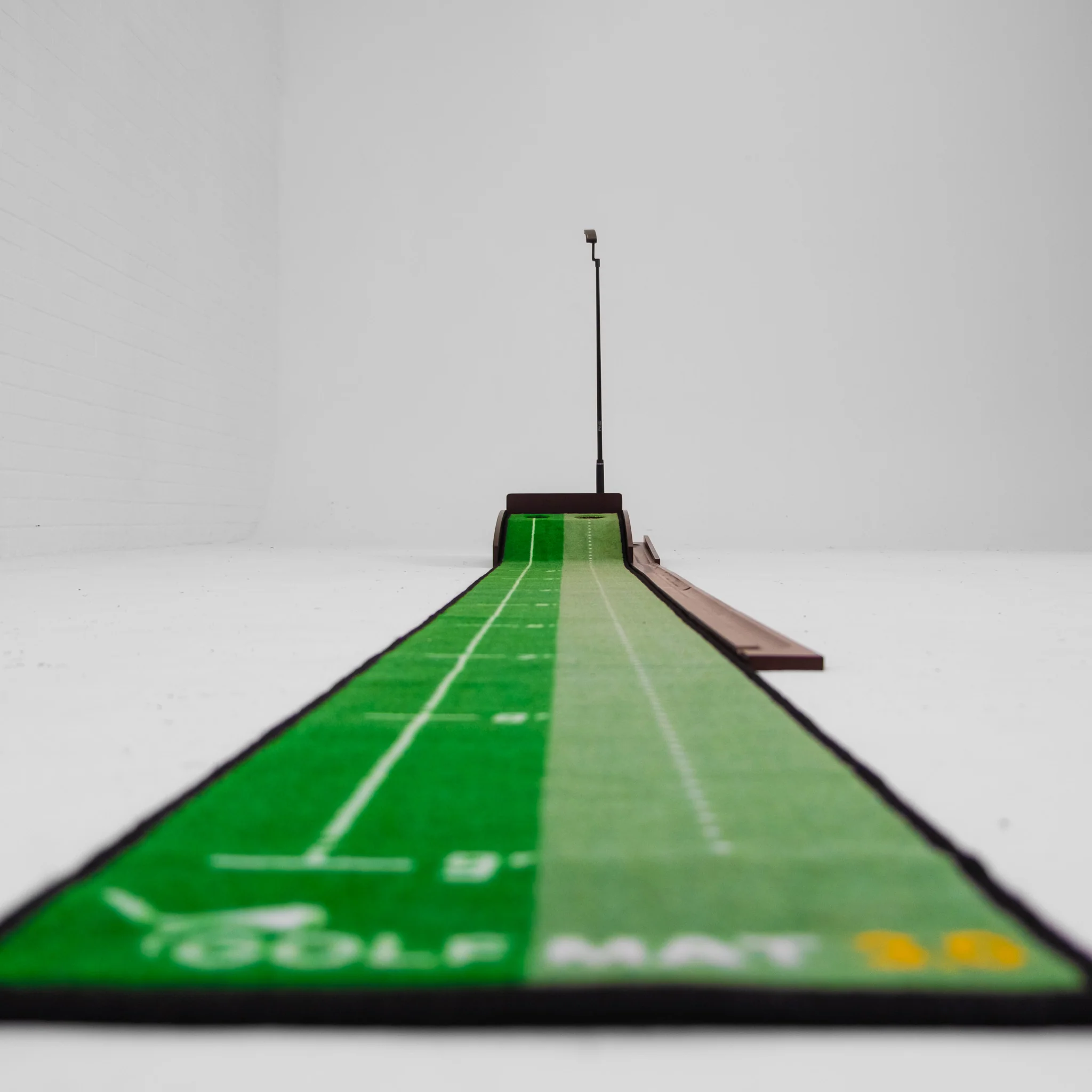
The PuttOut Large Putting Mat is 367cm by 67cm, printed with alignment lines, 5 targets and distance markings up to about 3m (10ft), and it reads 10 on the stimp. It rolls flat out of the box and comes with a carry bag, for £129.99.

A flat mat teaches pace and start line. For break, the PuttOUT AirBreak has a flexible base you raise and lower with air pumps, for hundreds of slope combinations. It has a 108mm hole for real lip-outs, a battery-powered ball return, a stand-on podium to putt from and a green-reading app that sets up specific breaks, and the rubber-backed mat runs 10 on the stimp. It's £269.99, down from £319.99.
The catch: it's a standalone practice mat, so these putts don't play out on the simulator screen.

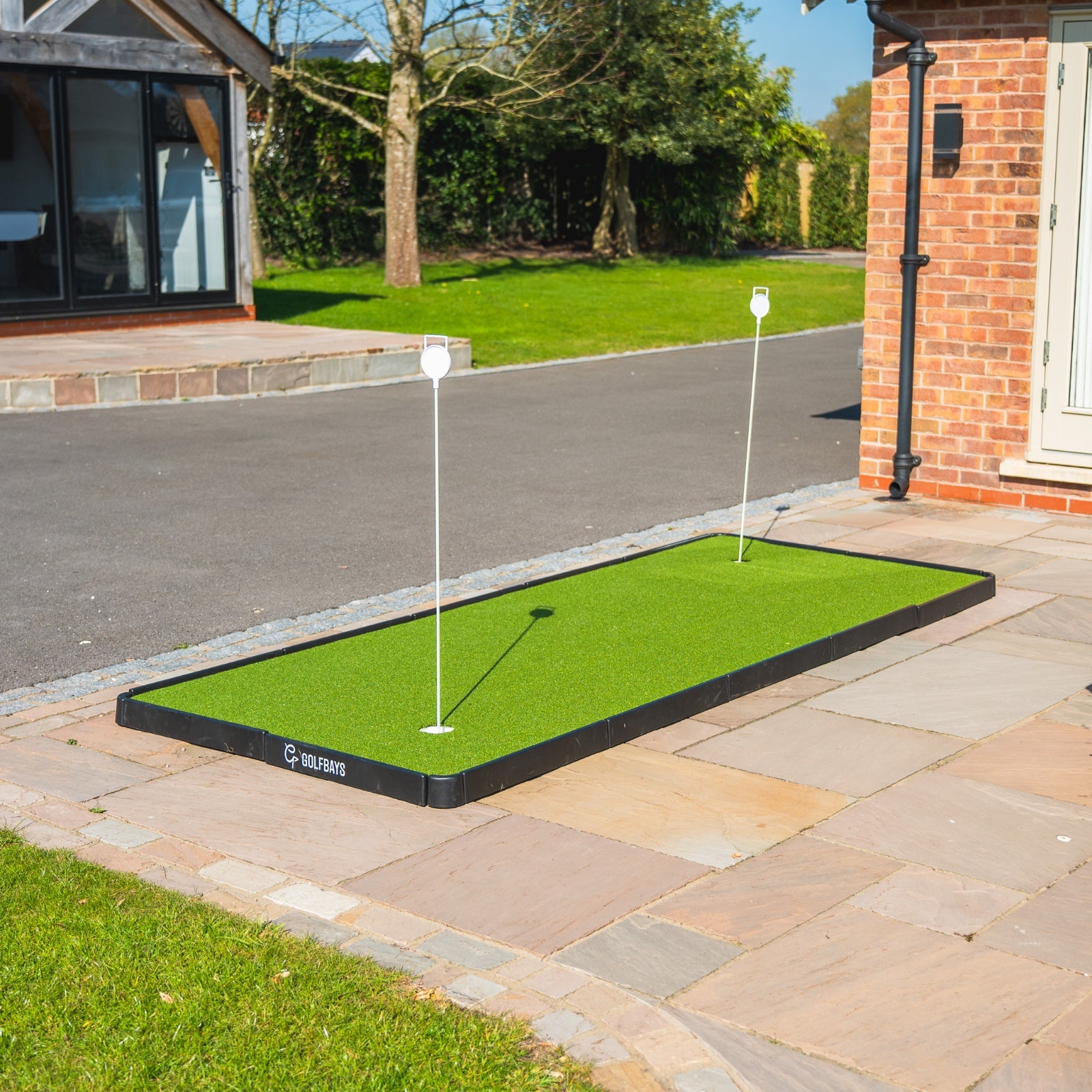
For a proper green rather than a mat, the GolfBays Modular Putting Green is 305cm by 103cm, with pre-cut turf and regulation cups on a base that clicks together. It rolls at around 10 on the stimp, ships in 2 boxes and costs £399, down from £499.
A dedicated putting simulator
If putting is all you want to practise, you don't need a full simulator. A dedicated putting simulator is a camera and a mat that do one job, and they fit in a lounge.

The ExPutt RG uses a high-speed camera on a small stand on its mat to track the ball and the putter. It plugs into your TV with the HDMI cable in the box, or runs on your phone through the app, and it measures ball speed, putter path, clubface angle, launch direction, impact angle, distance and tempo (ExPutt).
You can adjust the slope and length of each putt, putt on real course greens, Pebble Beach among them, and play your mates on the sofa or other ExPutt users online over Wi-Fi. It's £389.
The catch: the camera has no speaker of its own, so the TV needs one, and it's putting only: your driver stays in the bag.
Lighting the putting area
Camera units, and the ExPutt's camera, have to see the ball clearly to read it. Poor light on the ball is one reason putts don't register, and a dim garage in December is poor light.

The GolfBays Golf Simulator Light is a single LED spot on a 1m powered track, £175 in black or white, and it's there so the launch monitor can see the ball. Point it at the ball, not the screen, or you'll wash out the picture.
How much does it cost to add putting to a golf simulator?
Adding putting costs anything from £14.99 for a cup to hole out in, to a few hundred pounds for turf or a dedicated putting simulator. These are GolfBays prices on 30 September 2026.
| What you add | What it does | Price |
|---|---|---|
| Shallow Putting Cup | A cup to hole out in on turf, a mat or carpet | £14.99 |
| PuttOut Large Putting Mat | A 367cm practice mat that reads 10 on the stimp | £129.99 |
| Golf Simulator Light | Light on the ball for the launch monitor | £175 |
| PuttOUT AirBreak | Adjustable breaks and a ball return | £269.99 |
| ExPutt RG | A putting simulator on your TV | £389 |
| Modular Putting Green | A 305cm green that packs away | £399 |
| Putting Turf, 5m x 4m | 11mm turf for a 3m by 4.5m bay | £480 |
| Square Golf launch monitor | A camera unit with a putting mode | £689 |
| Premium Putting Turf, 5m x 4m | 16mm turf for a 3m by 4.5m bay | £720 |
Putting drills for a golf simulator
Simulator putting pays off when you practise with a plan, not when you knock a few at the screen between drives. These 4 drills work in any bay.
Ladder drill. Hit 5 putts each from 1m, 2m and 3m, then work back down. Note whether the misses finish short, long, left or right, and keep the score from week to week.
Breaking putts. If your software lets you place the ball on a green, hit the same breaking putt 10 times rather than playing a hole through to get one go at it. Change one thing at a time: the line or the pace, never both.
Lag putting. Set up putts of 10m and more and try to stop every one inside a 1m circle round the hole. Holing them is a bonus; the job is a tap-in next.
Pressure putts. Hole 5 in a row from 1m into the shallow cup on the turf. Miss one and start again, which gets tense faster than you'd think.
GolfBays tip
Match the software to the surface. Our modular green and the PuttOut Large mat both roll at around 10 on the stimp, and 10 is GSPro's default, so when you putt on either in the bay, the roll under your putter and the roll on the screen agree. Change one without the other and you'll spend the session fighting your own feel.
Is putting on a golf simulator realistic?
For your stroke, your start line and your pace, yes. For reading greens, less so.
- Good at: start line and pace. With a launch monitor that reads putts, every one is measured, so a miss comes with a reason.
- Good at: repetition. The same putt as often as you want it on a wet Tuesday, with nobody waiting behind you on the practice green.
- Can't do: slope underfoot. The floor is flat, so you read break with your eyes alone. The AirBreak is the exception, because its slope is real.
- Can't do: real grass. Greens change with the weather, the mowing and the season, and the virtual one doesn't.
Treat it as the place to groove your stroke and pace, and leave the real reading to the course.
Golf simulator putting FAQs
What is a putting simulator?
A putting simulator is a camera and a putting mat that measure your putt and play it out on a screen. The ExPutt RG is one: a camera on a stand on its own mat, connected to your TV or phone, with real course greens to putt on. A full simulator with a camera launch monitor does the same job alongside every other shot.
Can you putt with a radar launch monitor?
Sometimes, but less well than with a camera unit. Radar measures the ball as it travels, and a putt is slow and stays on the ground, so radar setups often lean on gimmes and auto-putt. If you're on radar, keep the roll flat and clear to the screen.
Does the Garmin R10 read putts?
Not in Garmin's own Home Tee Hero, which has no live putting and gives you your putts based on how close your approach finished. Third-party software handles putting its own way.
What green speed should a golf simulator be set to?
Start at 10 on the stimp, which is GSPro's default and about what the PuttOut mats and our modular green roll at. Then adjust it towards the greens you play most.
Why won't my putts register on a golf simulator?
There are 3 things to check: that the launch monitor supports putting at all, that there's enough light on the ball, and that the ball sits inside the unit's hitting area.
Do you need putting turf for a golf simulator?
No, but putting is better with it. You can putt off the hitting mat alone, but a putt that runs off the mat's edge onto a hard floor doesn't roll like one on a green. Our putting turf is £24 a square metre, or £480 for a 5m length that covers a 3m by 4.5m bay.
Put a green in your simulator
Putting turf by the metre, a modular green that packs away and the cup to go with them.
Shop putting turf and greens